
01 / 03
A private conversation
Speak in your own words. Your full conversation stays in your private space.
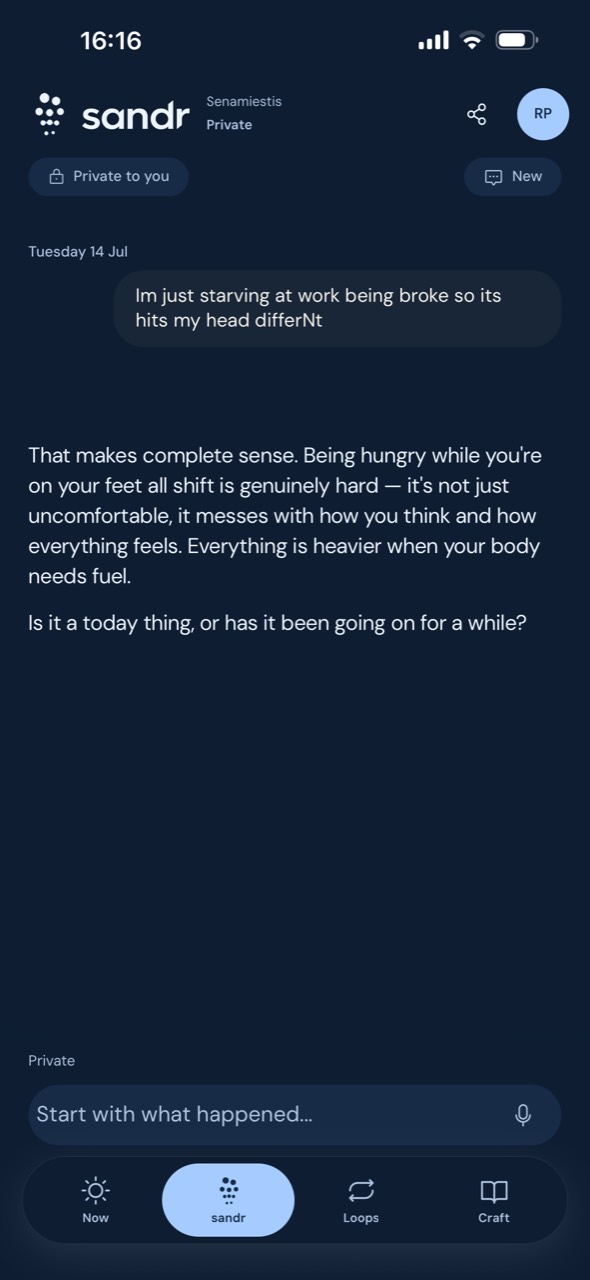

Frontline / A private place to speak
Start with the rough version. SANDR helps you make sense of it, keep a reflection, and choose whether a carefully worded update should reach your managers. You can see their response without exposing the conversation that led there.
You don’t have to work out the perfect way to say it. Tell SANDR what happened and what you’re unsure about. She helps you take a calmer look at what you know, how you feel and what you could do next. For now, your private conversation uses what you tell her. Soon you’ll be able to switch on wider venue context, so she can draw on relevant files, rotas and records as you talk.
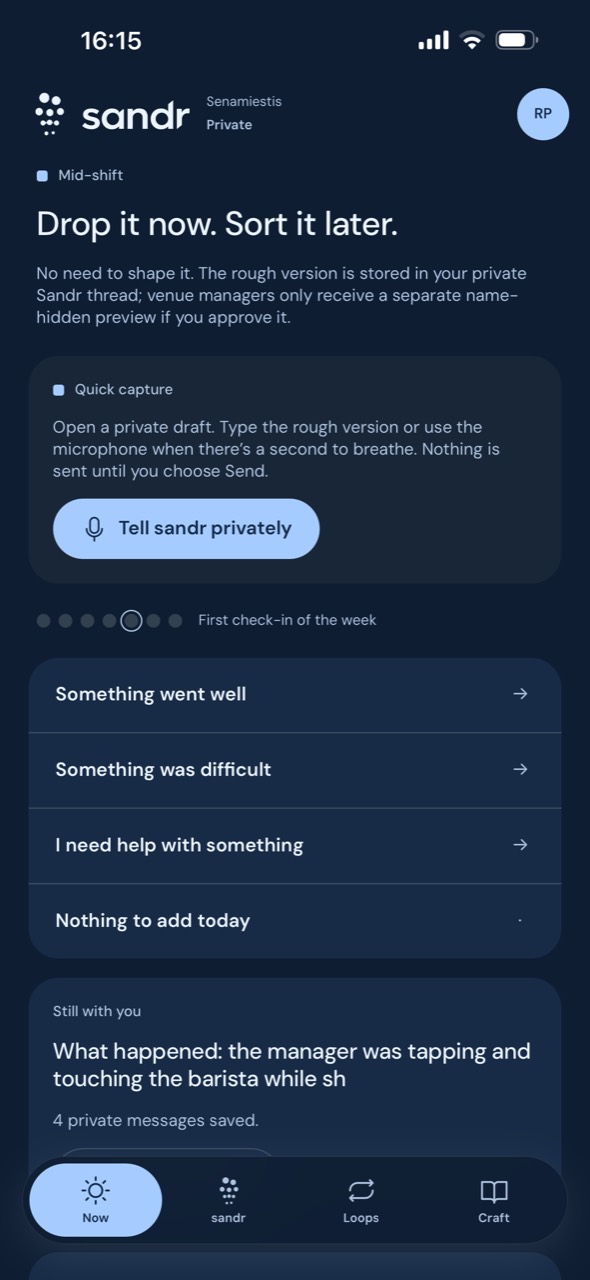
In Craft, you’ll find short exercises, practical advice and words you can try in a real conversation. Pick what would help today, save it and mark what you’ve practised. Only you can see that progress. Perhaps you want to ask for help more clearly, talk about a mistake or prepare for new responsibility.
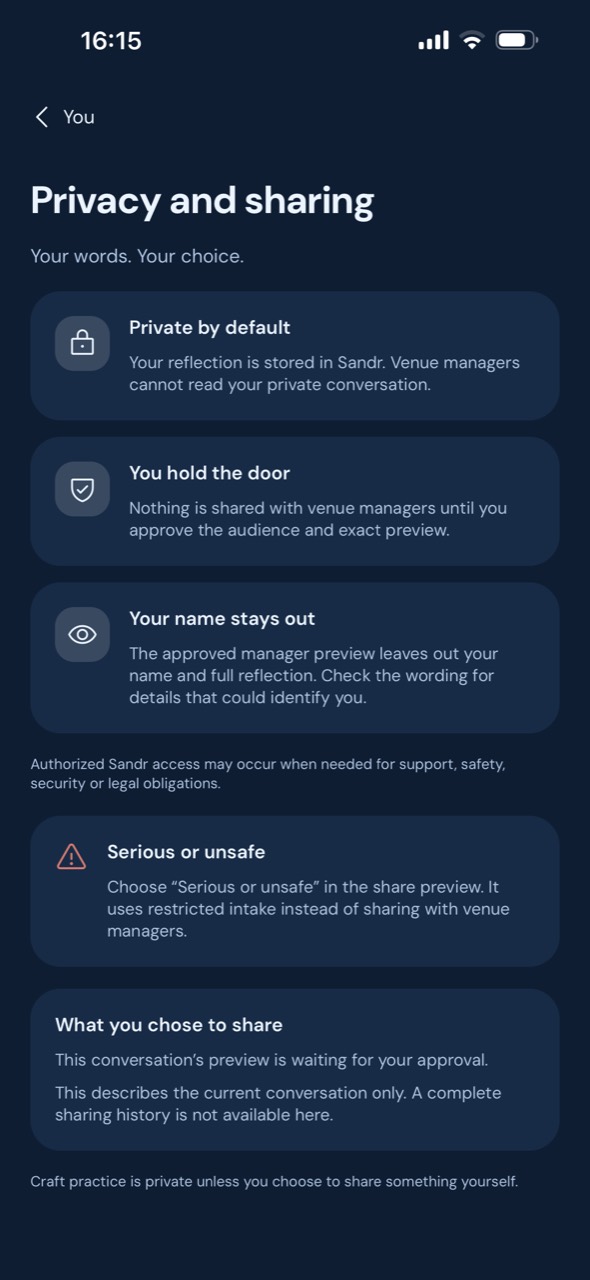
If you want to tell management about a situation, SANDR prepares a summary. You can read it before sending and decide whether you want to share. In a small team, a situation may be recognised even without names, so take your time and share only what feels right to you.
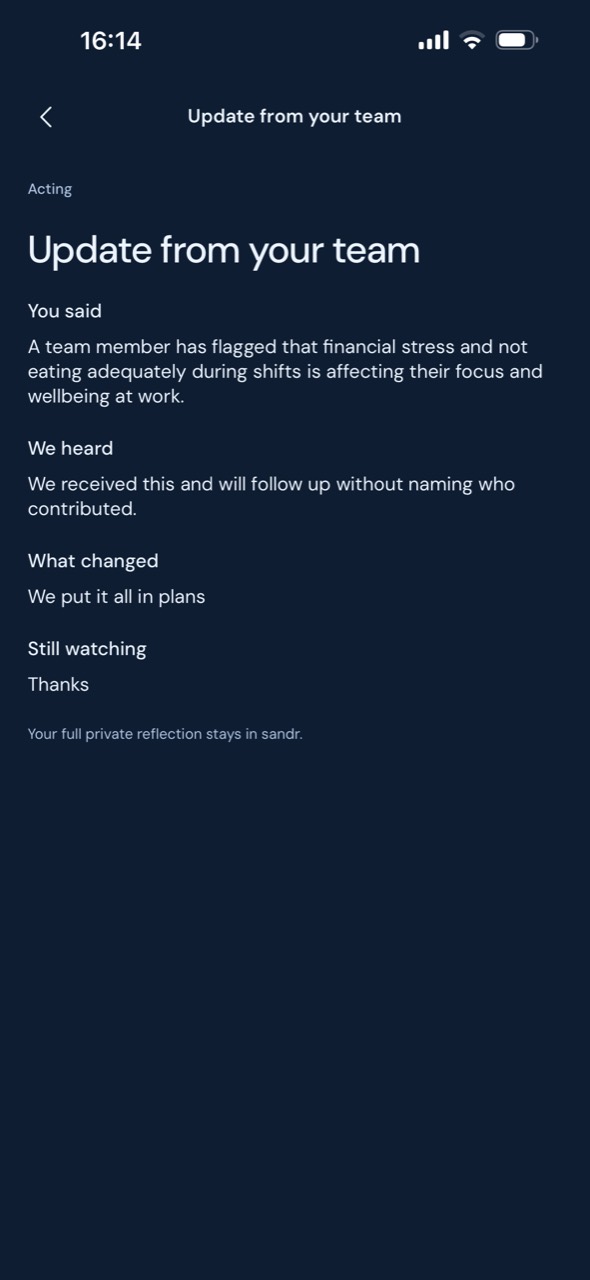
In Loops, you can find management’s replies to questions raised at your venue: what they heard, what changed and what they’re still watching. You can see what happens after you share an observation.
06 / A closer look
Explore the actual Frontline screens, from the private conversation to saved reflections and personal settings.
Speak in your own words. Your full conversation stays in your private space.
Keep a thought for later, continue it, or archive it when you are ready.
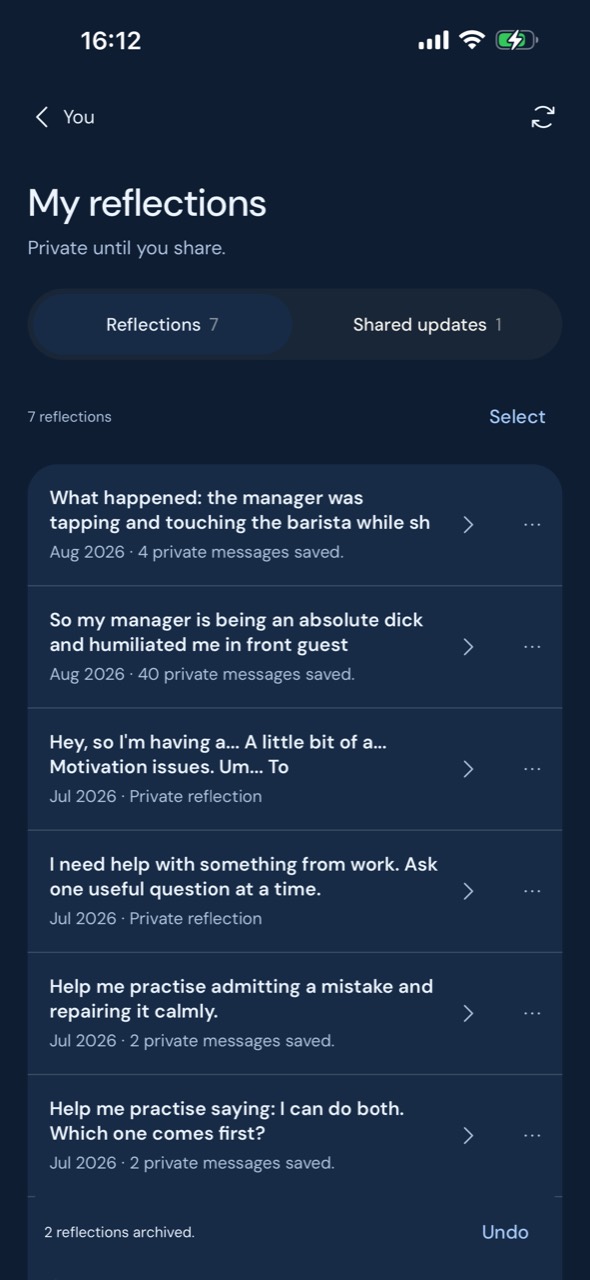
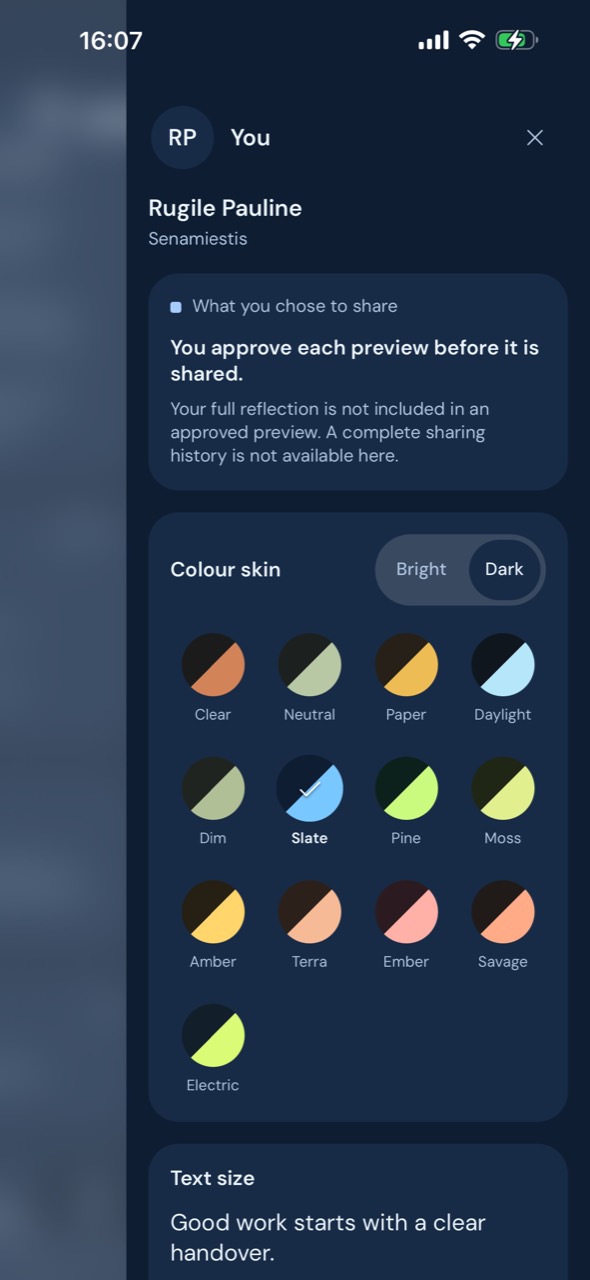
Choose the appearance and reading size that help you feel at home.
Frontline is part of the SANDR workspace and comes with paid plans. Each invited team member is assigned to their venue and gets a private space. During the beta, we agree what you’ll try together and explain what stays private and how sharing works before the team starts.